If you plan to message customers first (a renewal reminder, an order update, an offer) WhatsApp requires you to use a message template. This guide explains what that means in plain words.
What is a message template?
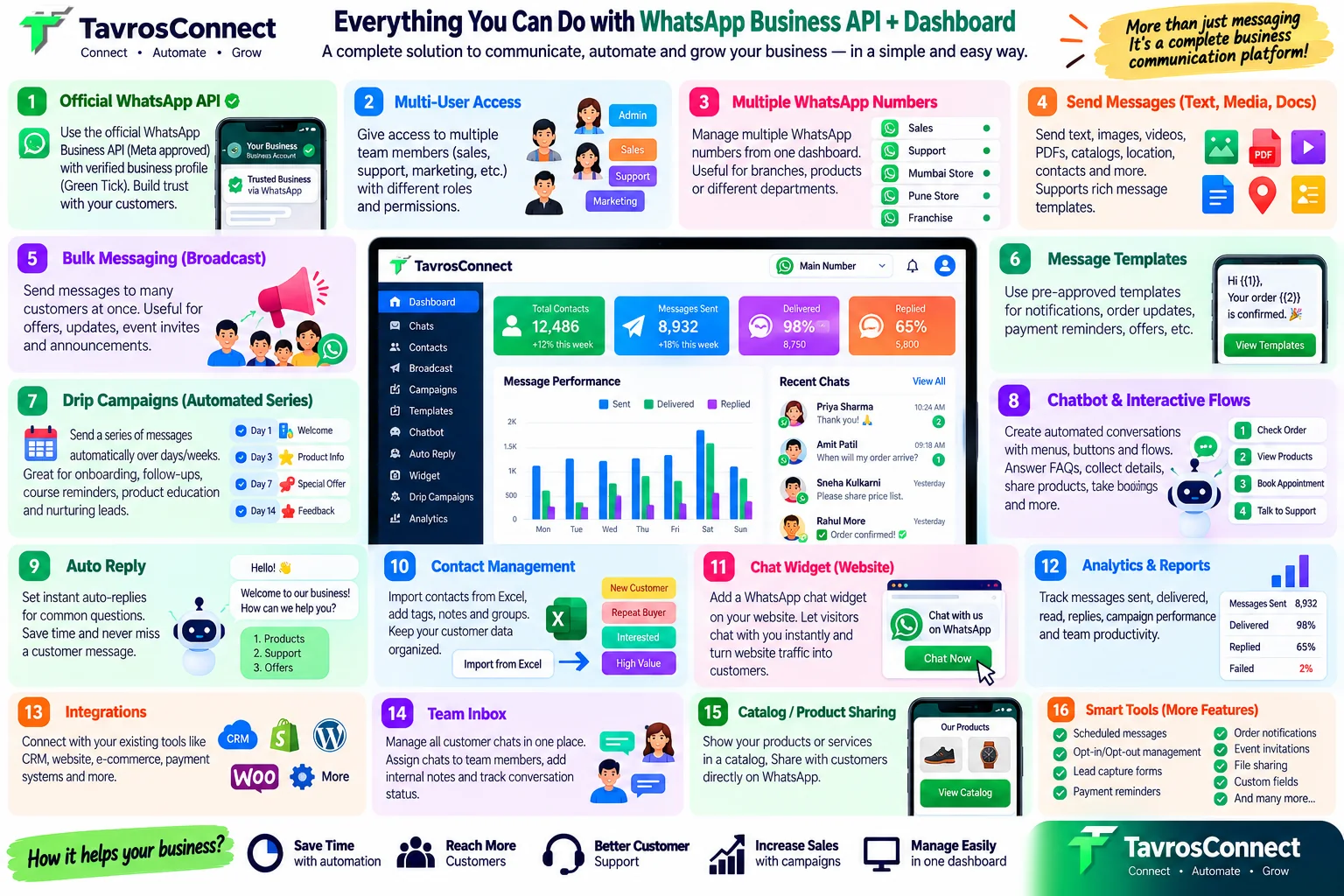
A template is a message whose wording is submitted to Meta (WhatsApp) for approval in advance. It can contain fixed text plus variables, blanks filled in for each person such as their name or an order number. Once approved, you can send it to any customer who has opted in.
When do you need one?
WhatsApp gives you a 24-hour customer service window: when a customer messages you, you can reply freely with normal text for the next 24 hours. After that window closes, or when you are the one starting the conversation, you must use a template.
The three template categories
- Marketing — offers, announcements, product launches, abandoned-cart nudges. The most flexible and generally the most expensive per message.
- Utility — messages about something the customer already did: order confirmation, payment receipt, appointment reminder, delivery update.
- Authentication — one-time passwords and login codes.
Anatomy of a good template
- Header (optional): text, image, video or a document.
- Body: the main message, with variables written as
{{1}},{{2}}and so on. - Footer (optional): a short line such as "Reply STOP to opt out".
- Buttons (optional): quick replies, a call button or a link.
How to get approved first time
- Be specific. "Hi {{1}}, your membership expires on {{2}}. Renew here: …" beats a vague "Hi, don't miss out!".
- Give real sample values for every variable when you submit.
- Do not start or end the body with a variable, and do not put two variables side by side.
- No misleading or prohibited content, and no asking for sensitive data like card numbers.
- Pick the honest category. Marketing wording submitted as Utility is likely to be changed or rejected.
If a template is rejected
Read the reason shown next to the template, adjust the wording (usually the variables, the category or promotional language) and submit a new version.
After approval
Send your template to opted-in customers from a one-to-one chat, a bulk campaign or an automated drip campaign. Track delivery and replies in your reports, and retire templates that perform poorly.
तुम्ही ग्राहकाला पहिला मेसेज (नूतनीकरणाची आठवण, ऑर्डर अपडेट, ऑफर) पाठवणार असाल तर WhatsApp तुम्हाला मेसेज टेम्प्लेट वापरायला सांगते. याचा अर्थ काय, ते सोप्या शब्दांत समजून घेऊ.
मेसेज टेम्प्लेट म्हणजे काय?
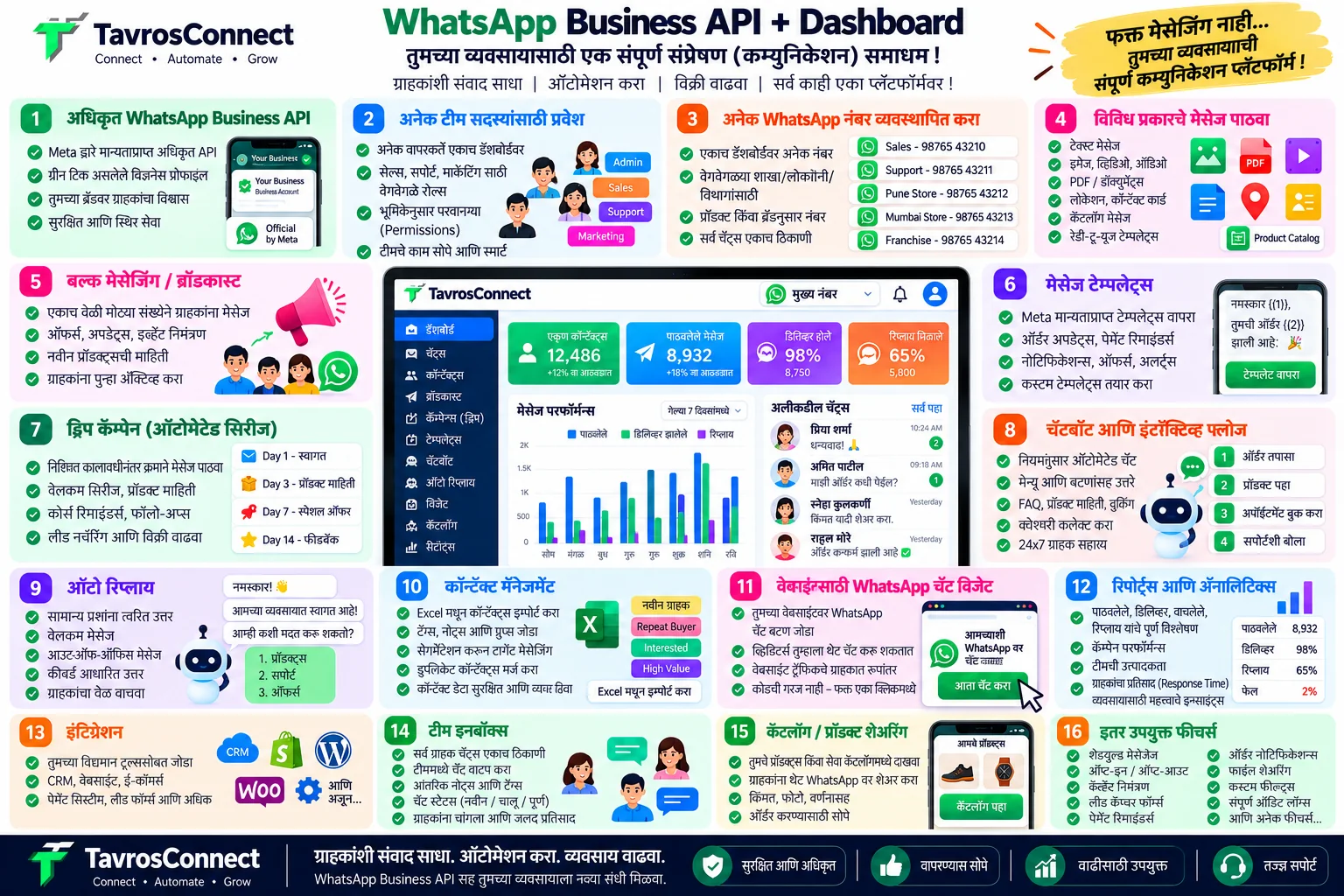
टेम्प्लेट म्हणजे असा संदेश ज्याचे शब्द आधीच Meta (WhatsApp) कडे मंजुरीसाठी पाठवलेले असतात. त्यात ठरलेला मजकूर आणि व्हेरिएबल्स असू शकतात — म्हणजे प्रत्येकासाठी भरल्या जाणाऱ्या रिकाम्या जागा, जसे नाव किंवा ऑर्डर नंबर. मंजुरी मिळाल्यावर तुम्ही तो संमती दिलेल्या कोणत्याही ग्राहकाला पाठवू शकता.
टेम्प्लेट कधी लागते?
WhatsApp तुम्हाला २४ तासांची ग्राहक सेवा विंडो देते: ग्राहकाने तुम्हाला मेसेज केला की पुढील २४ तास तुम्ही साध्या टेक्स्टने मोकळेपणाने उत्तर देऊ शकता. ही विंडो संपल्यावर, किंवा संवाद तुम्ही सुरू करत असाल तर, टेम्प्लेट वापरणे आवश्यक आहे.
टेम्प्लेटचे तीन प्रकार
- Marketing — ऑफर, घोषणा, प्रॉडक्ट लॉन्च, अर्धवट सोडलेल्या कार्टची आठवण. सर्वात लवचिक, आणि साधारणपणे प्रति मेसेज सर्वात महाग.
- Utility — ग्राहकाने आधीच केलेल्या गोष्टीबद्दल: ऑर्डर कन्फर्मेशन, पेमेंट पावती, अपॉइंटमेंट रिमाइंडर, डिलिव्हरी अपडेट.
- Authentication — वन-टाइम पासवर्ड आणि लॉगिन कोड.
चांगल्या टेम्प्लेटची रचना
- हेडर (ऐच्छिक): टेक्स्ट, इमेज, व्हिडिओ किंवा डॉक्युमेंट.
- बॉडी: मुख्य संदेश; व्हेरिएबल्स
{{1}},{{2}}अशी लिहिली जातात. - फूटर (ऐच्छिक): "बंद करण्यासाठी STOP पाठवा" सारखी छोटी ओळ.
- बटणे (ऐच्छिक): क्विक रिप्लाय, कॉल बटण किंवा लिंक.
पहिल्याच प्रयत्नात मंजुरी कशी मिळवावी
- स्पष्ट लिहा. "नमस्कार {{1}}, तुमचे सदस्यत्व {{2}} रोजी संपत आहे. येथे नूतनीकरण करा: …" हे "नमस्कार, संधी गमावू नका!" पेक्षा चांगले.
- प्रत्येक व्हेरिएबलसाठी खरी नमुना उदाहरणे द्या.
- बॉडीची सुरुवात किंवा शेवट व्हेरिएबलने करू नका, आणि दोन व्हेरिएबल्स शेजारी-शेजारी ठेवू नका.
- दिशाभूल करणारा किंवा प्रतिबंधित मजकूर नको, आणि कार्ड नंबरसारखी संवेदनशील माहिती मागू नका.
- प्रामाणिक प्रकार निवडा. Marketing भाषेचा संदेश Utility म्हणून पाठवला तर तो बदलला किंवा नाकारला जाण्याची शक्यता असते.
टेम्प्लेट नाकारले गेले तर?
टेम्प्लेटशेजारी दिलेले कारण वाचा, शब्द बदला (सहसा व्हेरिएबल्स, प्रकार किंवा जाहिरातीची भाषा) आणि नवीन आवृत्ती पाठवा.
मंजुरीनंतर
तुमचे टेम्प्लेट एकास-एक चॅट, बल्क कॅम्पेन किंवा आपोआप चालणाऱ्या ड्रिप कॅम्पेन मधून संमती दिलेल्या ग्राहकांना पाठवा. रिपोर्टमध्ये डिलिव्हरी आणि रिप्लाय पाहा, आणि कमी चालणारी टेम्प्लेट्स बंद करा.